Ask for the outcome
Documentation, QA and bulk model changes become requests instead of repetitive clicks. Tell VI MCP what needs to be found, checked or changed — it handles the Revit steps and reports the result.
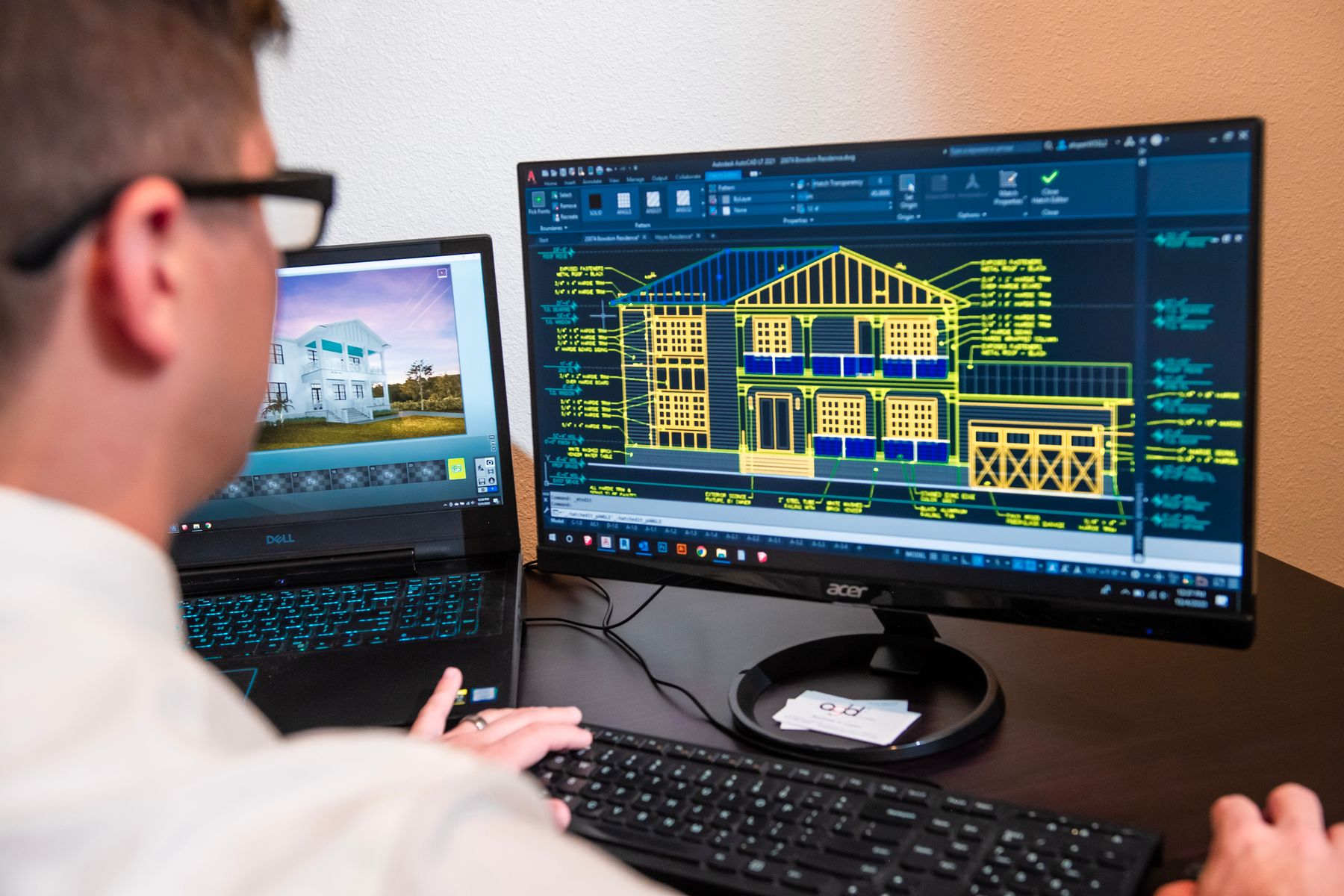
AI × Autodesk Revit — over MCP
VI MCP connects Claude, ChatGPT and any MCP-compatible assistant to your Revit model — it queries, edits and documents the model while you stay in charge.
Revit 2022–2027 — 30-day free trial, full functionality
Documentation, QA and bulk model changes become requests instead of repetitive clicks. Tell VI MCP what needs to be found, checked or changed — it handles the Revit steps and reports the result.
Let VI MCP investigate, prepare and execute the workflow without surrendering control of the model. Critical changes pause until you confirm them.

VI MCP is built for more than isolated chatbot commands. It works across thousands of elements and carries context through complete, multi-step Revit workflows.
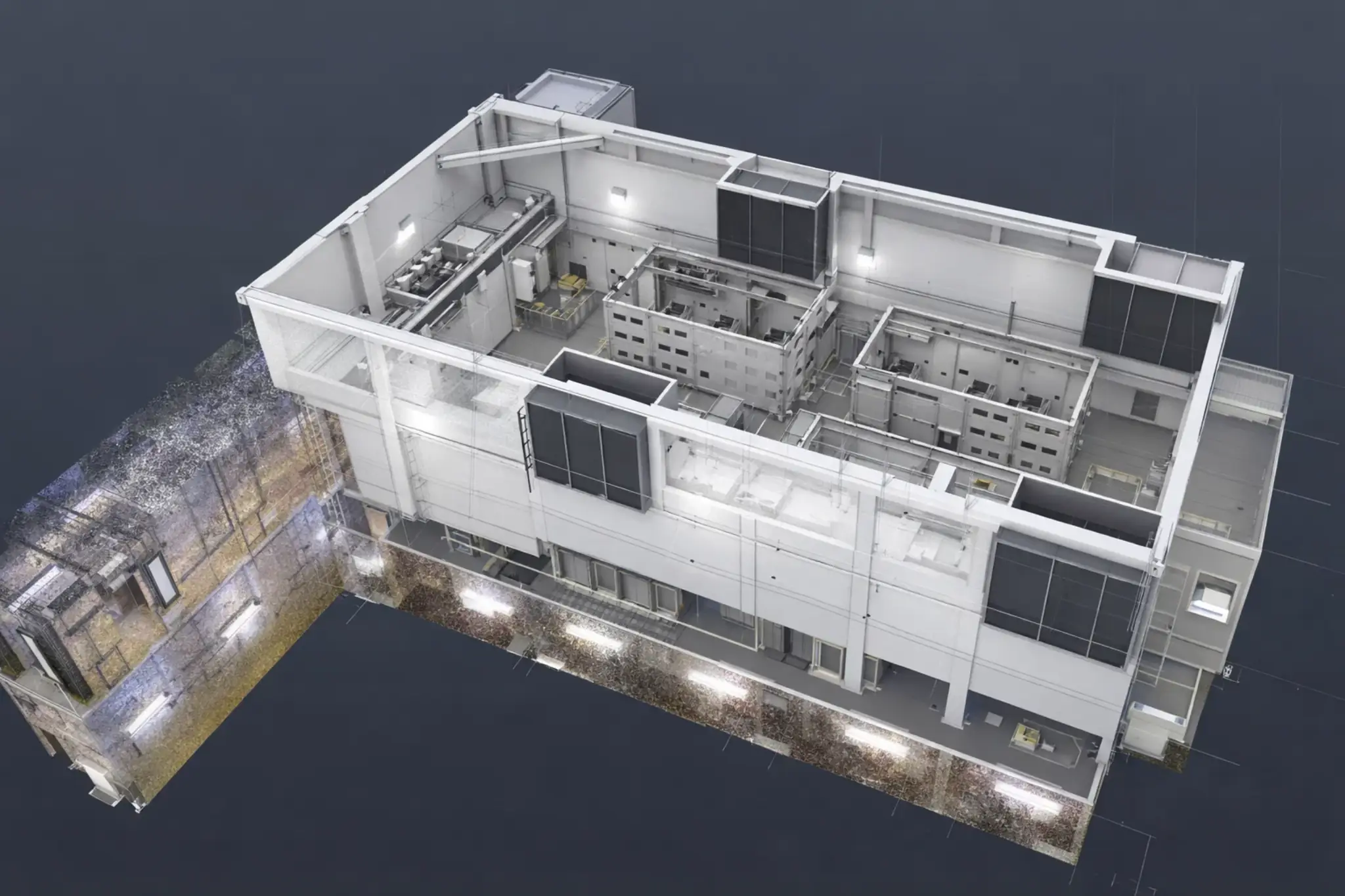
One plugin. Six versions, from 2022 to the current release.
The add-in dials out. No inbound ports, no tunnel, nothing for IT to open.
Full functionality from the first connect. No feature locks, no credit card.
Dynamo graphs, pyRevit buttons, one-off macros. One plugin. Any MCP client.
An LLM agent driving Revit naively runs out of context in minutes. VI MCP is built so it does not: finds return a count, not a dump, and every destructive action waits on your yes.
Download
Install the plugin. One file, three Revit versions.
Connect an AI
Install Claude and the plugin connects to it automatically. ChatGPT or any other MCP client works too.
Open Revit
The add-in dials out. Nothing to host, nothing to tunnel.
Ask a question
Tag a plan. Audit rooms. Clash ducts. You confirm writes.
The trial starts automatically the first time the plugin connects — full functionality, no credit card, no feature locks.
Choose a category to see the problem, what VI MCP does and a prompt you can try.
Find a set once, then count, change, isolate or export it without starting over.
Finish tags, dimensions and keynotes with fewer repetitive checks before issue.
Prepare sheets, revisions, print sets and viewports for a consistent issue.
Find duplicates, warnings and unused content before they become project problems.
Audit rooms, build area plans and keep MEP spaces and zones coordinated.
Check clashes, penetrations, circuits and open ends on the systems that matter.
Create consistent views, apply templates and frame the exact elements you need.
Check reinforcement, calculate quantities and keep numbering coordinated.
Copy shared elements from links and review what changed after coordination.
Manage worksets, build schedules and prepare reliable handover data.
VI MCP is a plugin for Autodesk Revit that connects your model to AI assistants — Claude, ChatGPT or any MCP-compatible client — over the Model Context Protocol. The assistant can query, create, edit and document elements, and every destructive action asks for your confirmation first.
Revit 2022, 2023, 2024, 2025, 2026, 2027 on Windows.
Yes — 30 days with full functionality, no feature locks and no credit card. The trial starts automatically the first time the plugin connects.
After the 30-day trial: from $1.99/month, $9.99 for 6 months, or $15.99/year. Every plan has full functionality. You pay from the Billing button in the Revit plugin after you connect.
Find and filter elements, create and modify geometry, tag and dimension, audit rooms and duplicates, run clash detection, place penetrations, manage circuits, sheets and revisions — in plain language.
Full functionality — no feature locks, no credit card. The trial starts automatically the first time the plugin connects.
From $1.99/month after the trial. See pricing