Separate unplaced, unenclosed and redundant rooms
Audit unplaced and unenclosed rooms
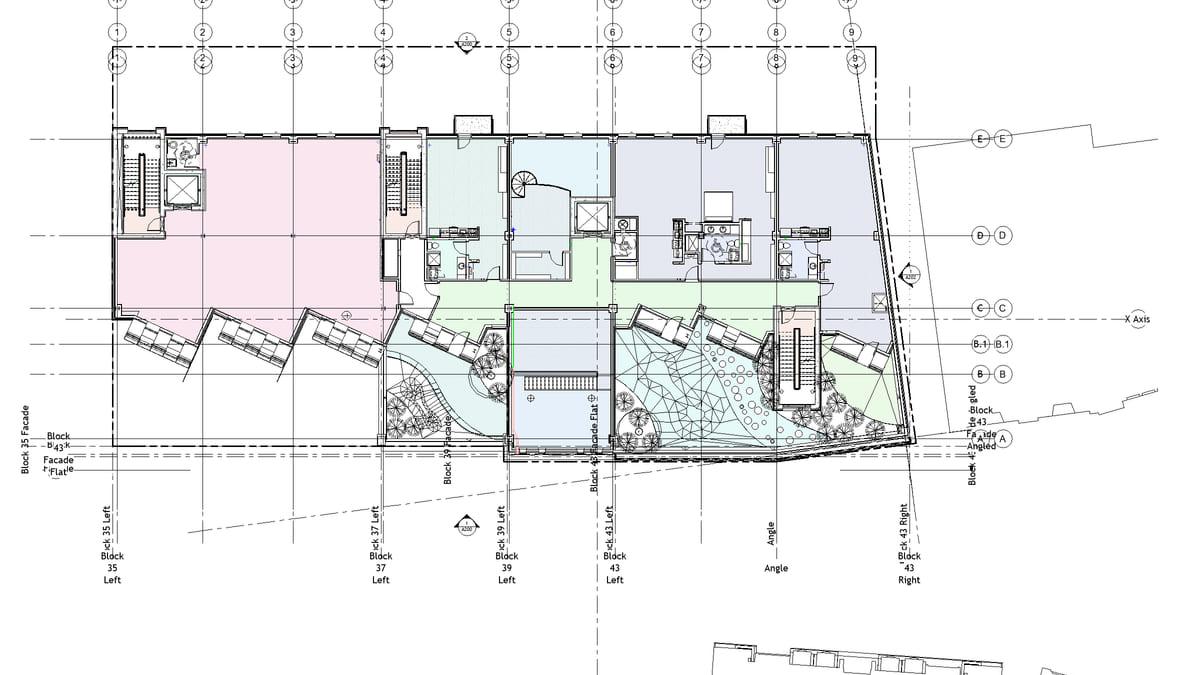
Why it matters. Typical counters lump every zero-area room into one number, so unplaced and not enclosed hide in the same bucket.
What VI MCP does. Area first, then location, then boundary segments. Placed, unplaced, not enclosed, redundant — you fix the cause. Then isolate the set, or export it.
Try this prompt
“Which rooms are unplaced or not enclosed?”