Update one parameter across a whole set
Change a parameter in bulk
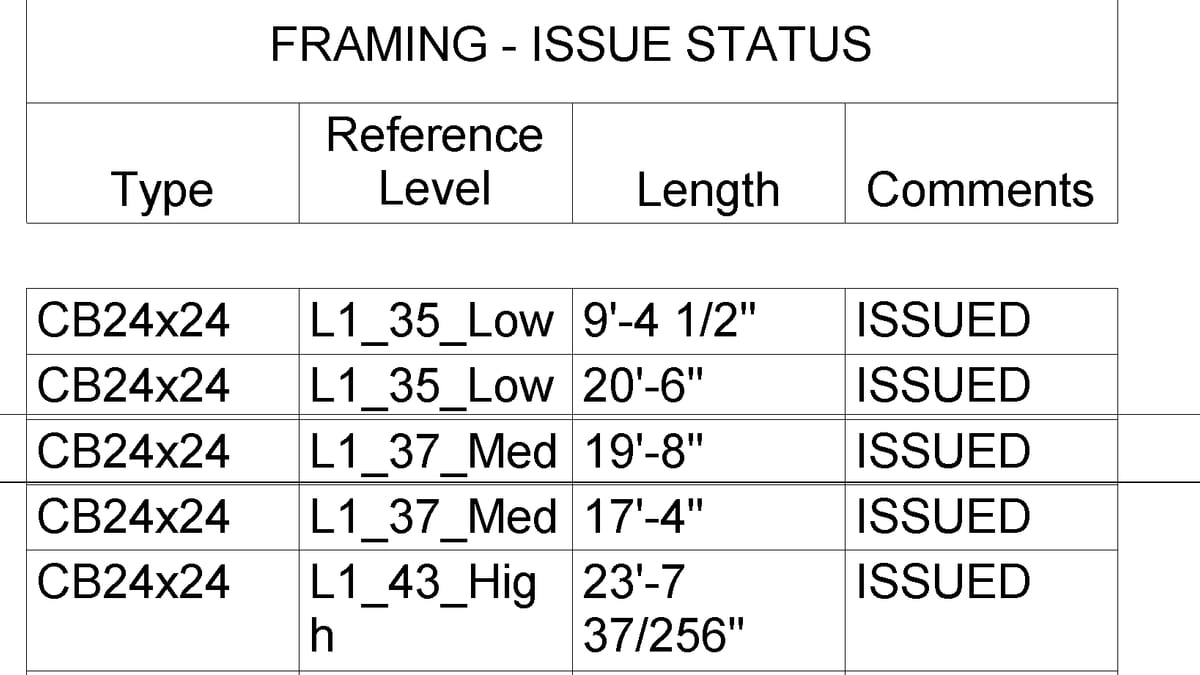
Why it matters. Fire rating, comments, room-bounding — a column in a schedule, or click-click-click. A dedicated toggle for one YesNo would be a second path for the same write.
What VI MCP does. Write the parameter on the found set. Every write is a preview until you say yes. Toggling Room Bounding on walls is this path, not a separate room command.
Try this prompt
“Set Comments to “issued” on these views. Show me first.”