Build and export schedules without the dialog
Build a schedule and export it
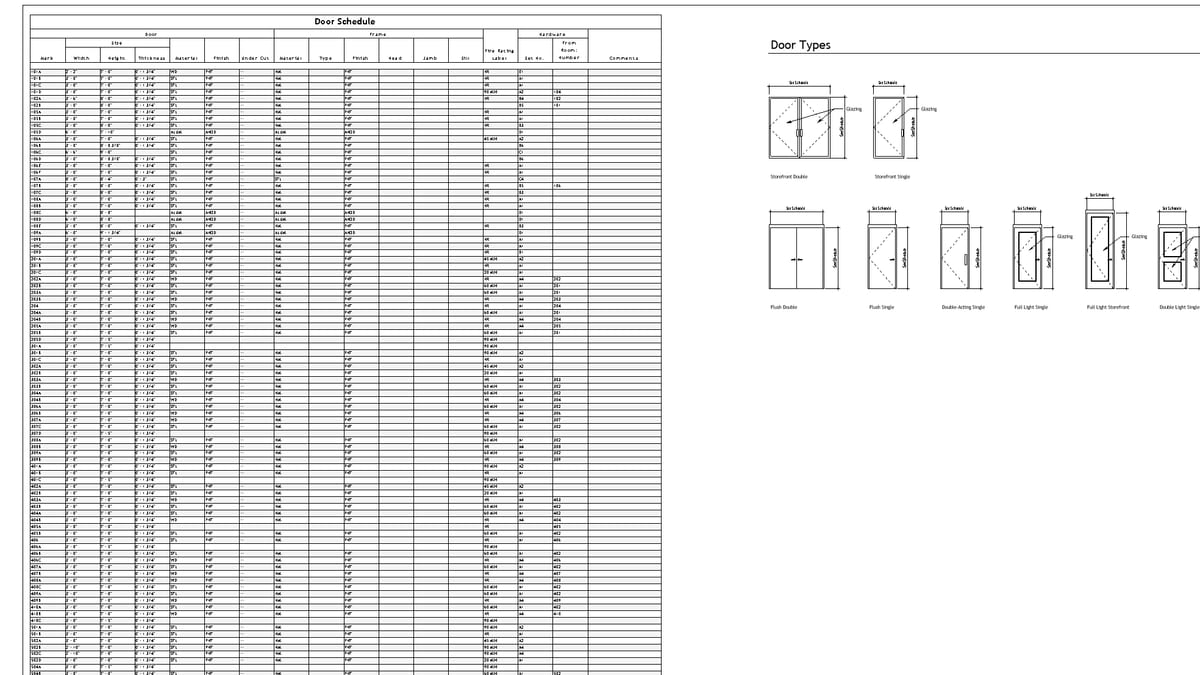
Why it matters. Available fields differ by category. Getting the columns right is a tour of a dialog. Getting the file out is another.
What VI MCP does. Create the schedule, list what that category can show, set the fields, configure sorting. Place it on a sheet, or write it out as a table.
Try this prompt
“Make a door schedule with mark, type, width, fire rating, and export it.”