Keep viewports aligned across sheets
Align viewports across sheets
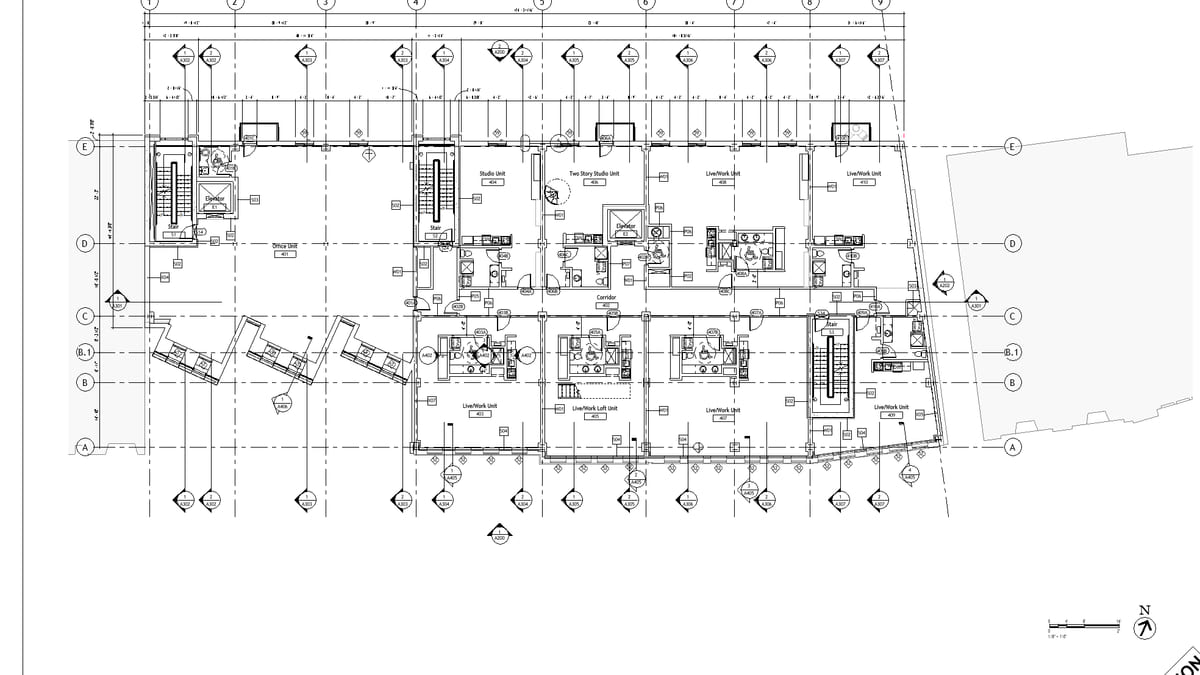
Why it matters. Each sheet’s plan was placed by eye. Flip from Level 2 to Level 3 and the building slides. Reviewers notice. Clients notice.
What VI MCP does. Pick a reference viewport. Align the rest. The crop stays; the sheet location matches. That is the whole job.
Try this prompt
“Align every Level plan viewport to the one on A-201.”