Find the exact set you need
Find by category or parameter
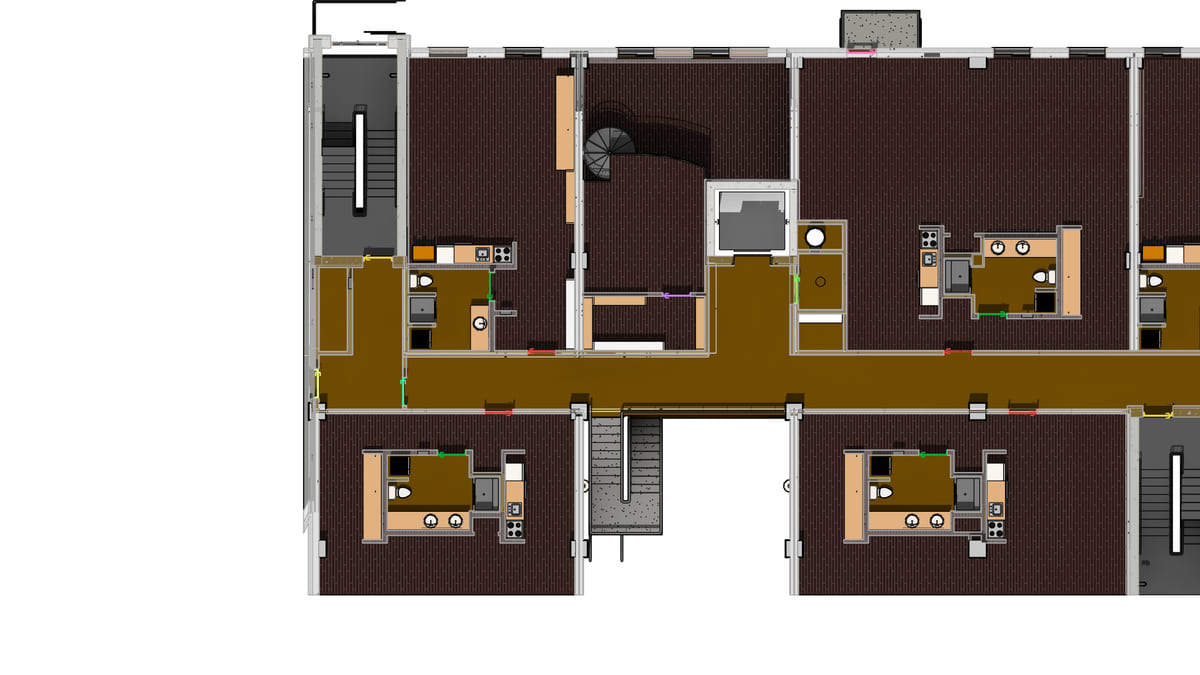
Why it matters. Every daily job starts with “which ones?” A schedule, a filter, a three-click isolate. Then you do the actual work.
What VI MCP does. Find by category, parameter, current view or selection. The answer is a count, not a list. Use that same find to isolate, tag, colour, export, number or delete.
Try this prompt
“How many doors on Level 2 have an empty Mark?”