Check panel loads against the mains rating
Check panel loads
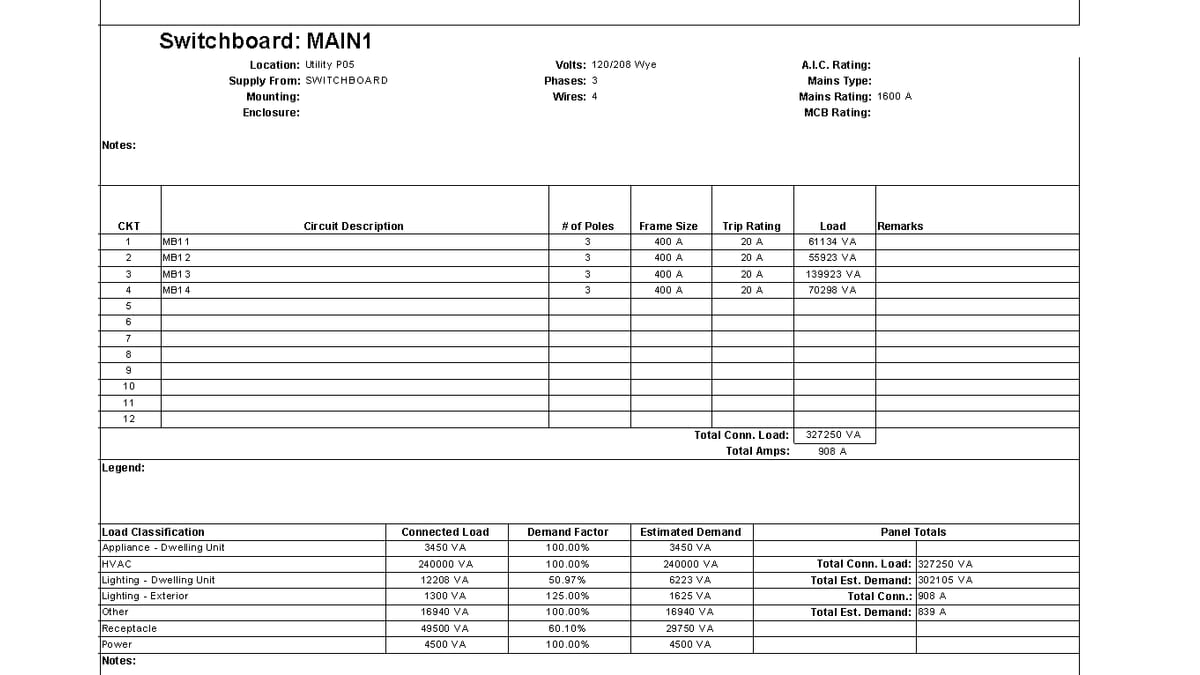
Why it matters. Summing ApparentLoad by hand disagrees with the panel schedule. A board with no schedule still has mains and demand current — and no classification breakdown.
What VI MCP does. Connected and demand load come from the summary section. Comparing demand current to mains is the over-rating flag. A missing mains rating is reported, not treated as unlimited.
Try this prompt
“Is this panel over-rated? Show the classification breakdown.”