Select the set and continue in Revit
Select what you just found
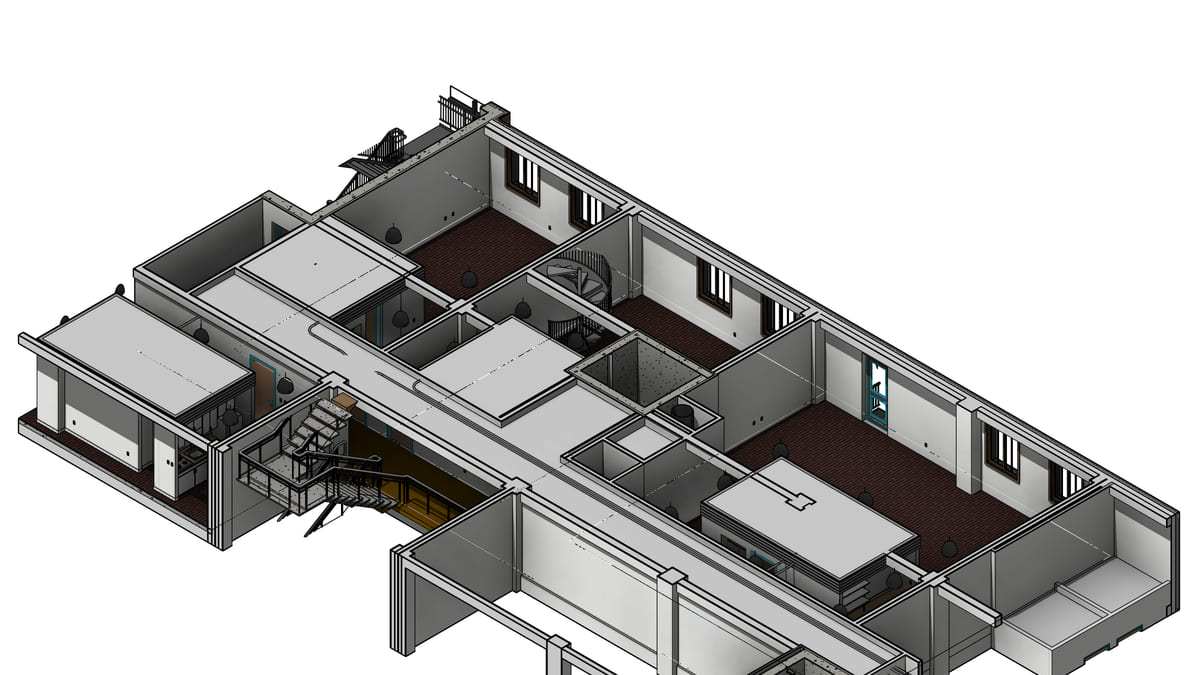
Why it matters. The assistant found 80 doors. You still want to nudge two of them by hand. Getting them selected was the whole point.
What VI MCP does. The selection reports how many of the set fall in the active view, because a pick spanning every floor looks like nothing was picked. Then you work in Revit as usual.
Try this prompt
“Select the uncircuited fixtures on this plan so I can finish them.”