Control grid bubbles in each view
Show or hide grid bubbles
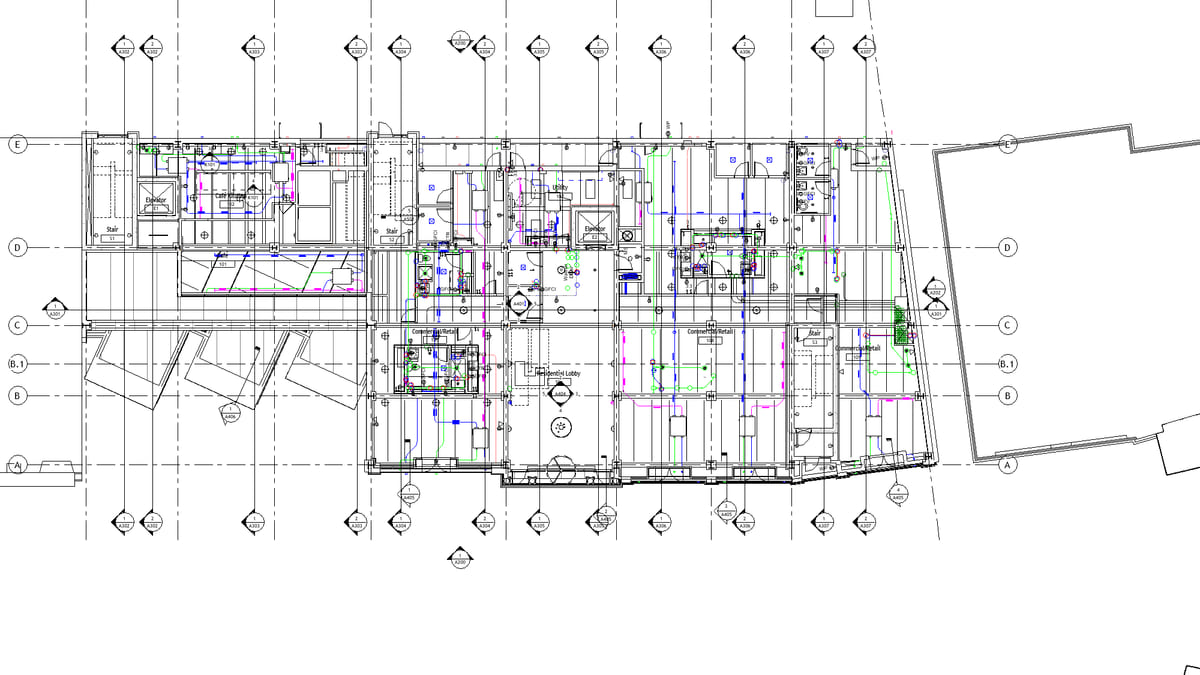
Why it matters. Left/right toggles the wrong end on grids drawn the other way and on rotated views. Mapping the box to the screen is how that bug usually ships.
What VI MCP does. Set bubbles by the datum’s start and end, not left and right. The preview names east/west or left/right in this view. Then copy that layout to the parallel views.
Try this prompt
“Show bubbles only on the south and east ends in this plan.”