Reuse 2D annotations in other views
Copy 2D from one view to others
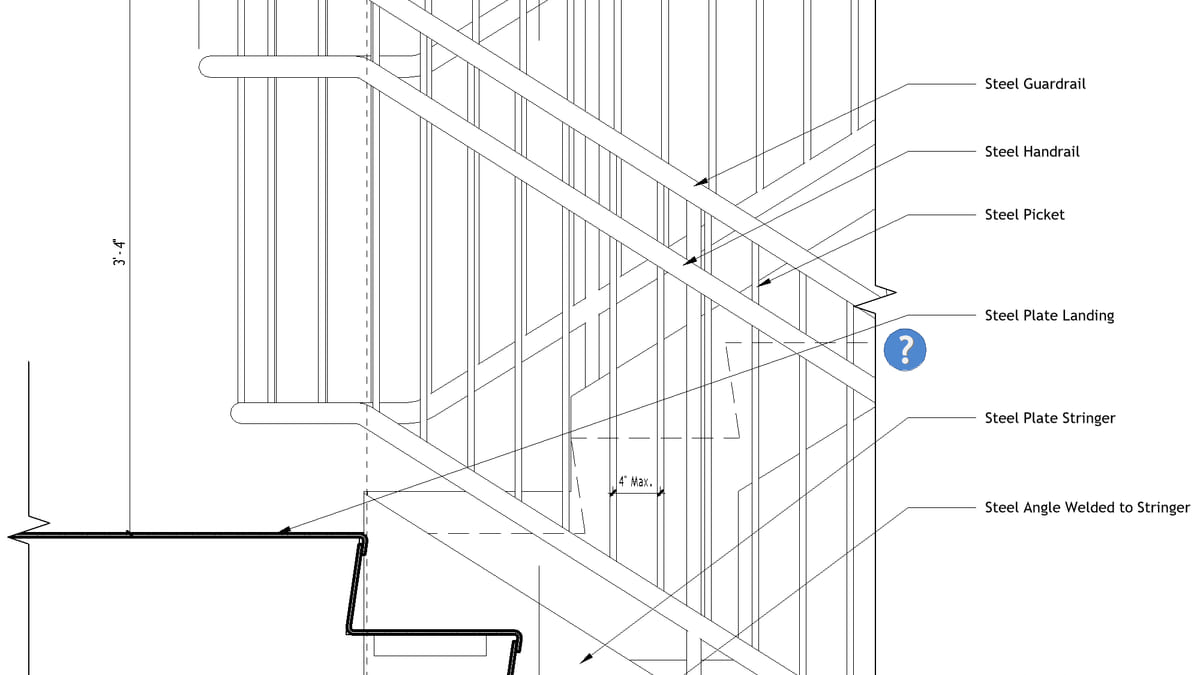
Why it matters. Level 2 is annotated. Levels 3–8 are not. Copying 2D by hand is how marks land on the wrong host.
What VI MCP does. Copy view-specific elements from the source view into the targets. Then arrange overlapping tags on the copies. It is not a substitute for tagging hosts that do not exist on the other floor.
Try this prompt
“Copy the tags and dimensions from Level 2 onto the Level 3 plan.”